Programming the body interaction 1 (BI) – part 1

Controlling the vibration motor

The vibration motor is an analog device. You can control the vibration on a scale between 0 and 255. If you set the vibration to 0 the motor is off, if you set the vibration to 255 the motor will be at full speed.

Good vibrations Tokyo by Kevin Dooley, CC BY 2.0

Good vibrations Tokyo by Kevin Dooley, CC BY 2.0

The motor is connected to a pin of the controller (“ATtiny84”), the heart of the BI. Every pin has a number and the motor is always connected to pin 3.

on off chartNow we can start with the first script (or program). The script will set the motor to full speed for one second. Then the motor will be off for 1 second. And this will be repeated infinite.


Here is the complete script:

int motor=3;
void setup() {
  pinMode(motor, OUTPUT);
}

void loop() {
  analogWrite(motor, 255); //motor on
  delay(1000);  // wait for 1 second
  analogWrite(motor, 0); //motor off
  delay(1000);
}

Now the script is explained line by line:

int motor=3;

First we declare a variable called “motor” and assign the value 3. The variable is of type int (integer) which is used to store a number. Now we could use “motor” instead of “3” whenever we want to control the vibration motor – this will help us to understand and debug our script.

void setup() {
  …
}

This is function which is part of every Arduino script. It is called setup and well be executed at first and only once.

pinMode(motor, OUTPUT);

Each pin can be in INPUT or OUTPUT mode. In input mode sensor data can read, in output mode a motor or a LED can be controlled. We set the motor pin to OUTPUT.

void loop() {
  …
}

In the function loop we put all the instructions which should be carried out. When all instructions are done the script doesn’t stop but starts again. Therefore the loop will be repeated infinite.

analogWrite(motor, 255);

The motor is set to full speed (255).

delay(1000);

The delay function stops all processing for 1000 milliseconds. 1000 millisecond are 1 second.

analogWrite(motor, 0);

Then motor is set off (0). In the second part of the tutorial uploading of the script to the body interaction 1 is explained.

More:

https://www.arduino.cc/en/Tutorial/Foundations

Read part 2: the accelerometer

Get started with Arduino 1.6.7 and Windows 10

Thanks to christmas I am the owner of a new Windows 10 notebook. So I experienced the trouble other user encounter when the use the ATtiny microcontroller the first time.

I wrote a new how-to for the installation of Arduino 1.6.7. Although it takes some time to configure all options, everything can be done within Arduino 1.6.7 (No replacing and moving of files is necessary.)

sucessful compiling

The how-to describes the necessary steps:

  1. Installation of an ATtiny core (thanks to the new core from Spence Konde installation is much easier)
  2. Installation of the JeeLib
  3. Configuration (programmer etc.)

Driver installation (Windows only)

Another frustating aspect is the installation of the driver for the USBtinyISP. The USBtinyISP is needed to connect your Windows computer and the body interaction development board. The connect your computer how-to is now improved. If you use Linux or a Mac there is no driver needed.

French article about comingle, master-beta kit and bodyinteraction

Tu sais où tu peux le mettre, ton Arduino ?

Do you know where you can put your Arduino? –  Francois Mocq reports about three Arduino vibrator projects: comingle, master-beta kit and body interaction. Even more interesting he queries whether Arduino or Raspberry Pi is the right platform.

raspberry_pi_logo_rgb_552x650-212x250Raspberry Pi offers much more computing power and connectivity, eg. you could add a camera, do video processing and add more hardware.

On the other hand programming can be more complex and it may take more time to run you first script.


And there are more platforms out there like the very cheap ESP 8266 module with the NodeMCU software. The ESP8266 can connect directly with the internet via wi-fi.


Follow the discussion

Review of vibrator development boards

Designing your own sex toys with advanced technology is becoming popular. Although the community is still very small the interest is rising. In this article we will introduce for open source vibrator development boards including our body interaction 1. We will see how the design of the development boards determines the design space – the possibilities of sex toys which can be realized.

Comingle may be the most successful open source sex toy company. They invented the Mod – an Arduino based vibrator with 3 vibration motors. They also offer the Dilduino – a development board based on the Atmel ATmega342U4 (similar to the Arduino Micro). The board can drive 3 vibration motors. They have developed a great library for programming vibration pattern (“OS sex“). You can use arbitrary function like sinus or cosinus to define pattern. You can upload programs via the USB connection, but there is no wireless radio or WiFi connection on board. The board lacks battery charging support, so you need external power. As the board is quite large it is only suitable for larger toys. Available at Tindie.
Pro: supports 3 motors, full Arduino compatible, great library, superb tutorials
Cons: no wireless connectivity, no battery charger, quite large for being part of a sex toy

pen15_smallPen 15 shield is a shield for the Arduino Uno.  So you need an Arduino Uno in addition to the shield. The shield must be connected to the Arduino board. It has one driver for a vibration motor. This pioneer work was announced in 2011, but it is probably not available any more. The price is quite low. There is no battery charging option and it is very large compared to the other boards.
Pro: full Arduino compatible
Cons: no wireless connectivity, no battery charger, too large to be part of a sex toy

Master Beta Kit from Orgasmatronic Inc. is another shield for the Arduino Uno. It can control two vibration motors. The power source for the vibration motors could be different though you may control motors with different input voltages. Easy assembling and support with online tutorials.

Pro: full Arduino compatible, different motor input voltage
Cons: no wireless connectivity, no battery charger, too large to be part of a sex toy

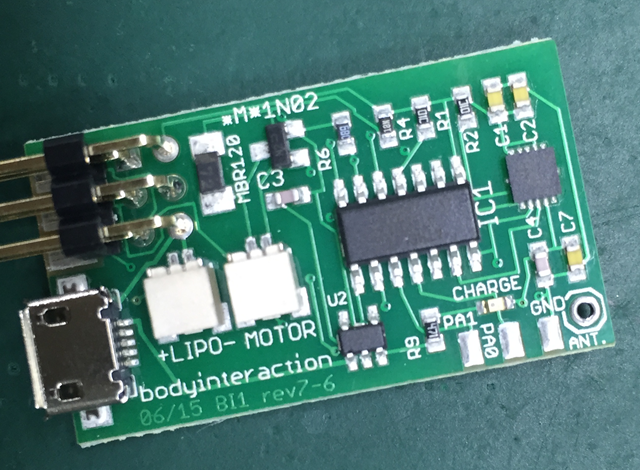
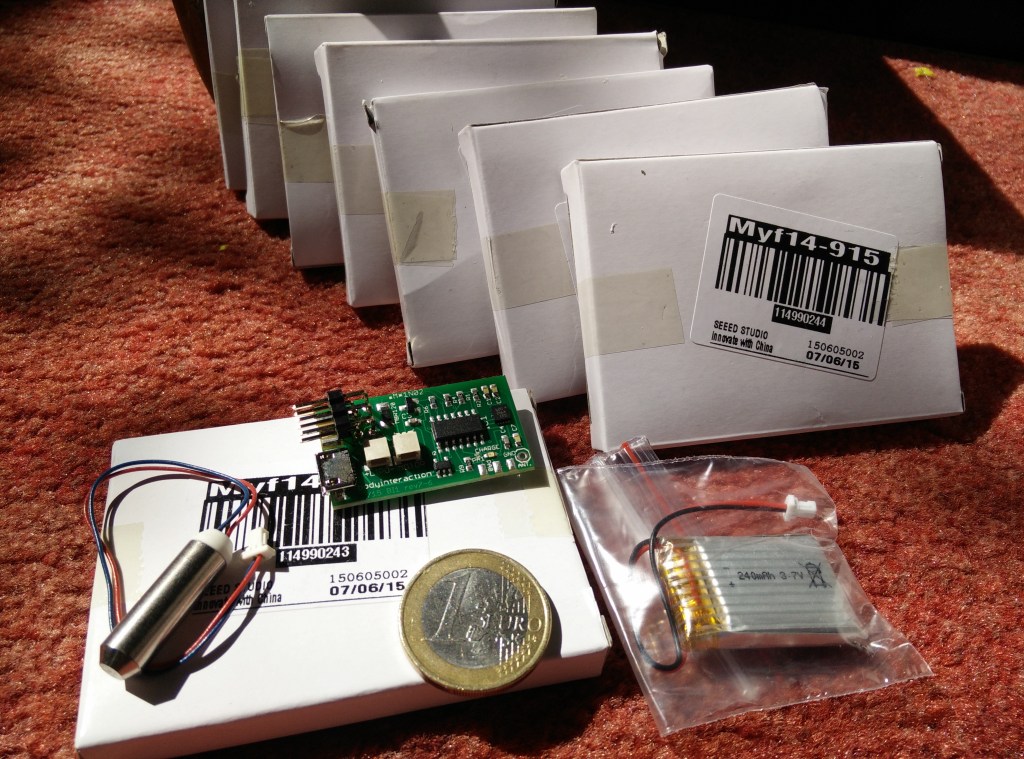
Assembled boardThe body interaction development board can drive one motor. It has a LiPo battery charging option. It can be controlled by motion – a 3-axis accelerometer is build in. Using motion you can control the vibrator – no need for further peripherals like switches or slider for controlling the vibration speed. The main advantage is the wireless radio especially if you like to use more than one sex toy at once. You can transmit data between your toys, control your toys or even synchronize them. The form factor is very small, though it can be part of a small toy. As the board is only 20x36mm there is not much space for further functionalities: It has no serial interface. To upload a program you need an ISP programmer (eg USBtinyISP). And it uses a microcontroller from the ATMEL ATtiny series. Although the tiny microcontrollers are getting more and more popular they have some disadvantage compared to the standard ATmega328p: There is not much memory on the chip (8K instead 32K), some libraries may not work, less I/O ports. Available at Tindie.
Pro: small form factor, LiPo battery charger included, wireless radio, motion tracking
Cons: some libraries don’t work, programmer needed for uploading programs

263867448_047fe6a73f_m

From Gideon, Paris, City of Love, https://flic.kr/p/pjoAL License: CC BY 2.0 https://creativecommons.org/licenses/by/2.0/

Most probably we will see more boards arrive and we hope that there are Open Source, too. But for a breakthrough for open source DIY sex toys an open standard would be helpful like the Arduino helped physical computing becoming popular for nerds, SIGs,  artists, scientists, hobbyist, industry!
But open source sex toys are not only a technical endeavour. It is about our relation to love, sex, partnership, about taking responsibility. Open sex toys are about getting a deep and well-founded understanding of our personal sexuality and the sexuality of our loved ones.


Wireless battery charging of the body interaction vibrator development board

bisiliconeformfilledreadybigsiliconereadyvogel2One major Problem oft DIY electronic sex toys (or massage wands) are the need to charge the batteries. Usually the batteries are charged via the USB connector. This means that there is a physical connection between the sex toy and the USB connector, making it impossible to mold the whole sex toy with eg. silicone.


seeedwirelesscharging

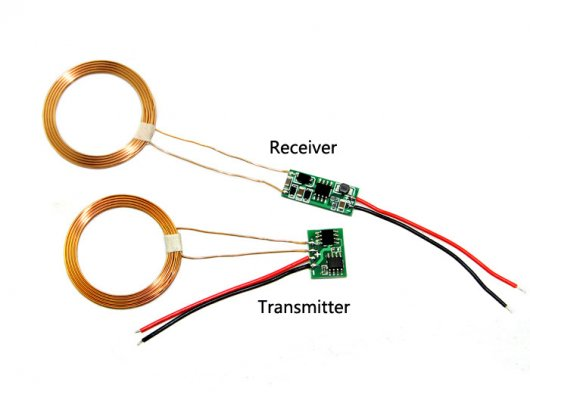
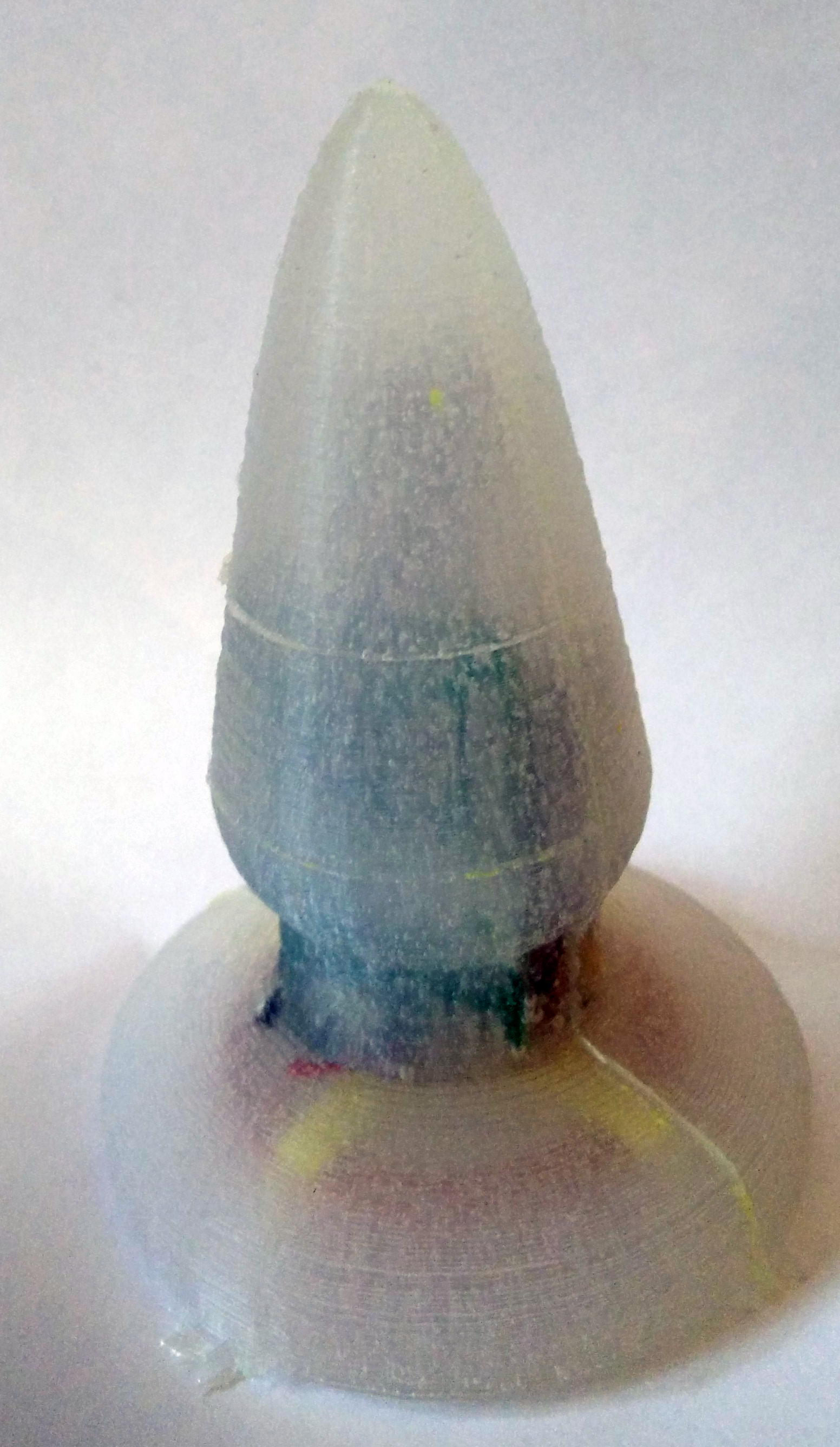
The solution is to use a wireless charging module (eg. this module from Seeedstudio). It comes in two parts: The sender (IN) and the receiver (OUT). Both are connected with a coil. If you place the two coils close together, the sender coils induces power in the receiver coil. Though you can share the batteries wireless. The receiver could be molded, separating the electronics, batteries, connectors etc. from the environment. The result is a form with a smooth surface enabling secure usage as a sex toy.


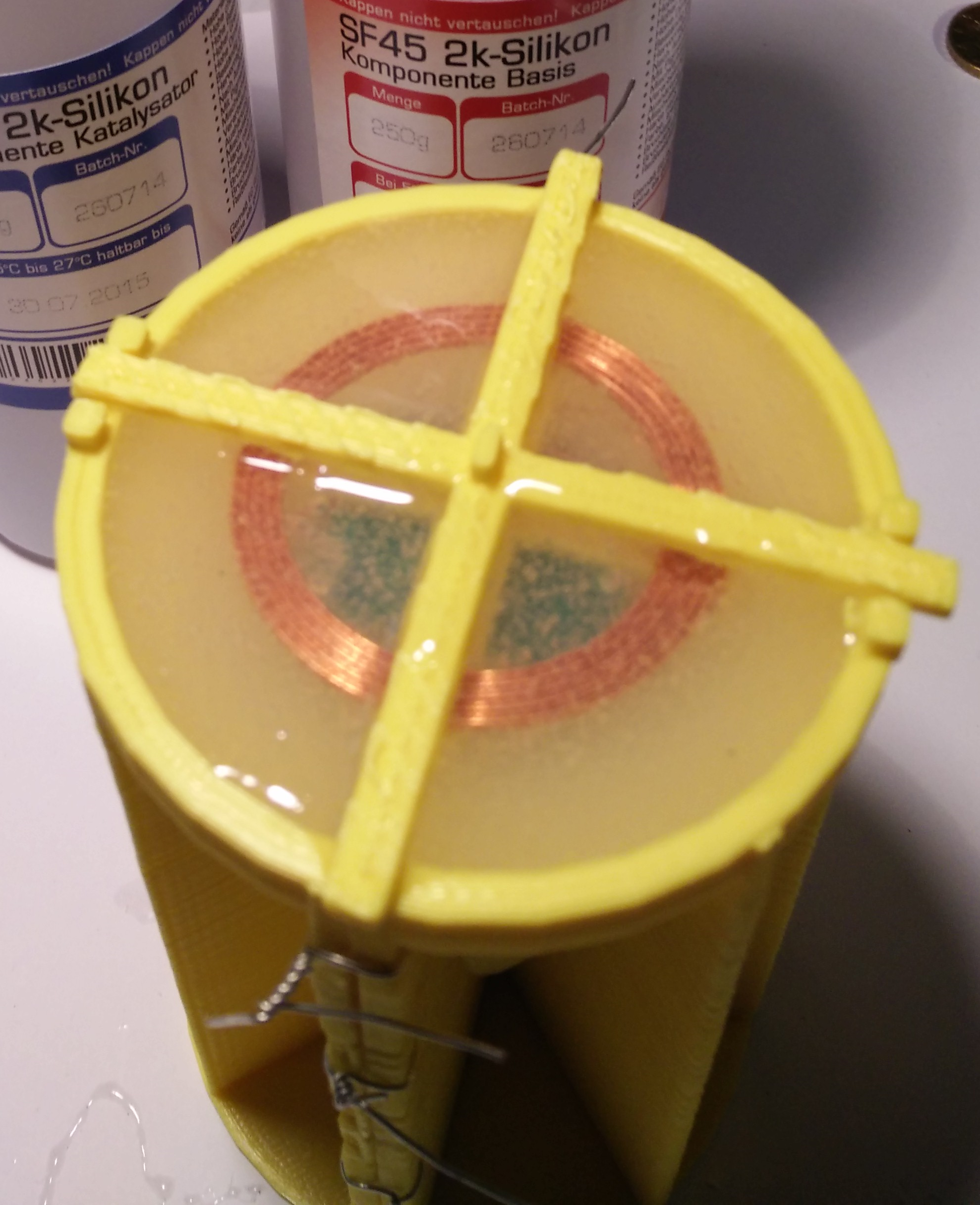
bigsiliconeready crossmeovedWe have made an easy DIY solution based on the body interaction vibrator development board, wireless charging module and a 3d printed silicone molding form.


big wireless part a

Part A: The molding form consists of two parts.

bigwirelessform

3d print form A

Step 1: The form comes in 2 parts. Print both parts of the form. The STL file is called part A. After printing polish the inner part of the form as well as the surface between the two sides.


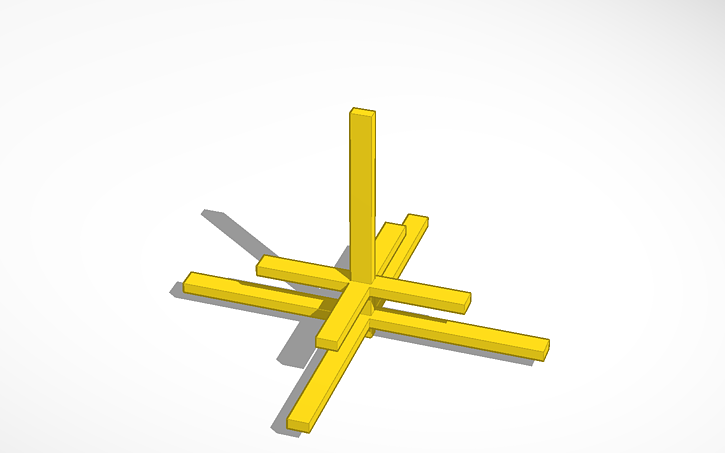
big wireless part bStep 2: Now print out part B. It is used to fasten the board, battery, receiver coil and receiver board.


verkabelung seeedwirelssechargingStep 3: Connect the + pad of the wireless charging receiver board with the pin marked + of the vibrator development board (that’s pin 1 of the MAX1555 battery charging IC). Connect – of the receiver with the GND pad of the vibrator development board. You need two short wires and have to solder them at the two boards.


wiresStep 4: Now wind up the wires connecting the board with the battery and the vibration motor. (The connection to the receiver board is not shown on the image.)


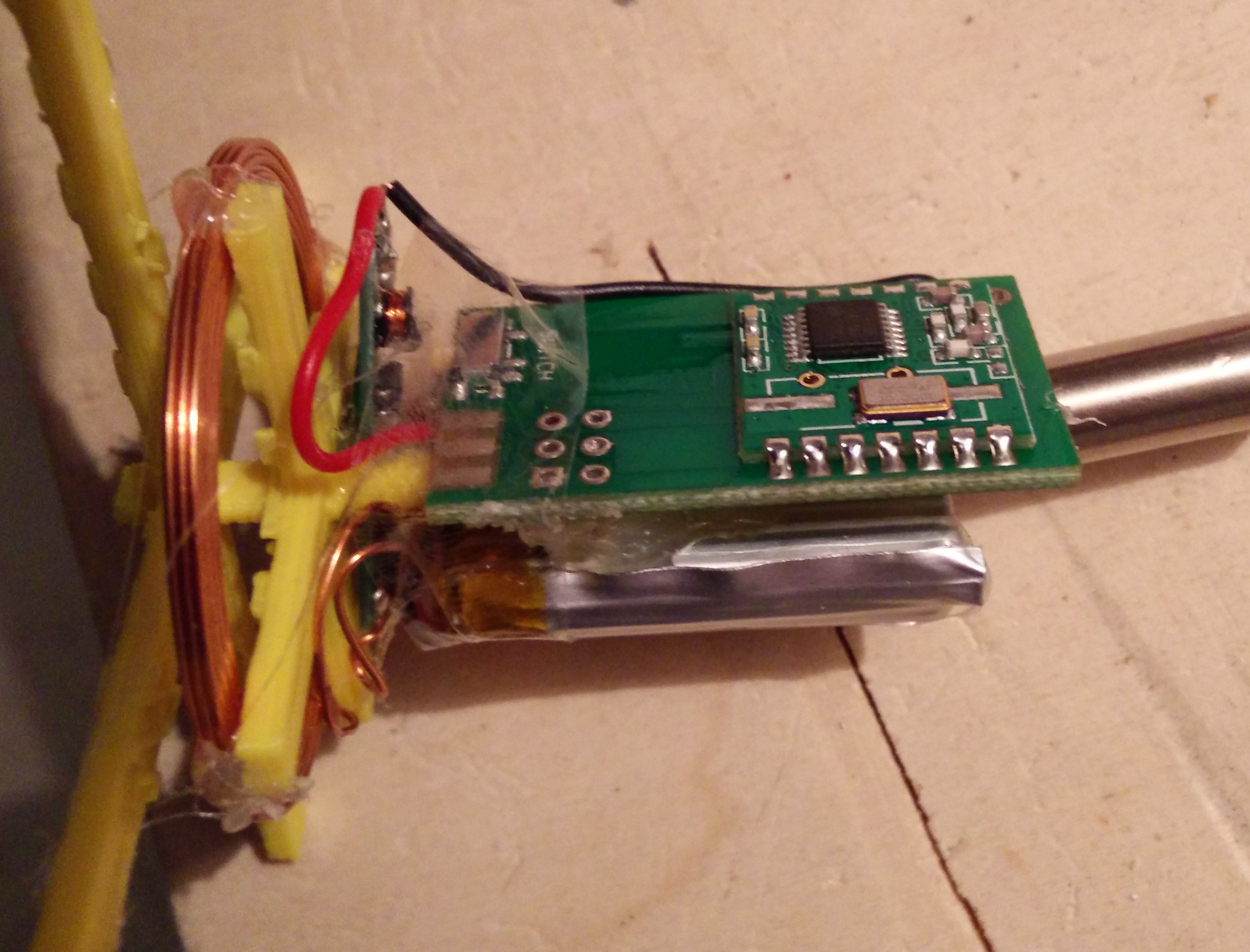
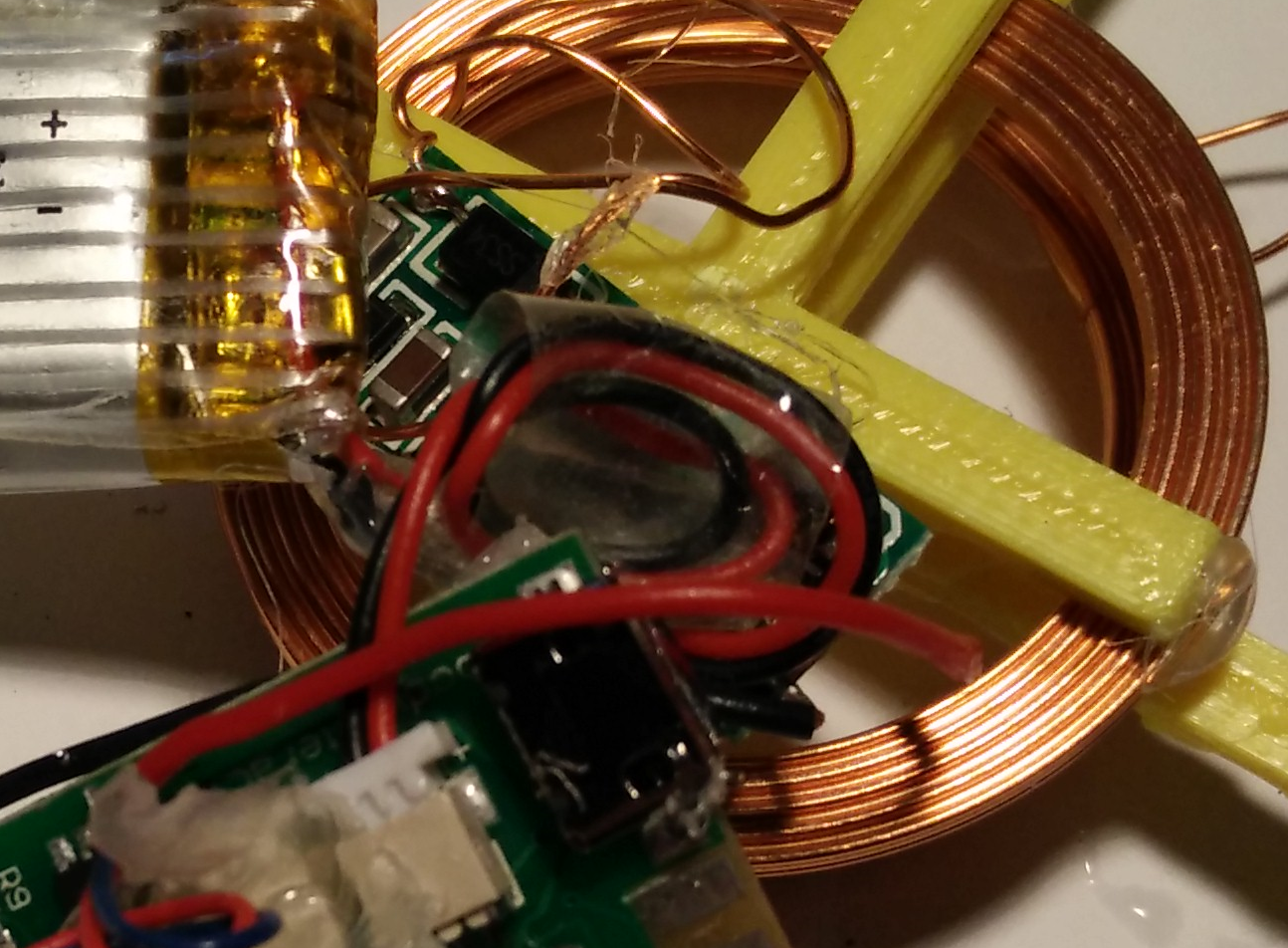
battery and board installedbattery and board installed 2Step 5: Now attach the coil on the shorter “cross” of part B with some glue. There must be space between the coil and the outer longer cross. Then attach the board, battery and vibration motor as shown in the pictures. you can use some glue to fix these parts. Be sure to set the switch to the ON position.


The receiver board can be placed within the coil. It’s the small long board in the middle.


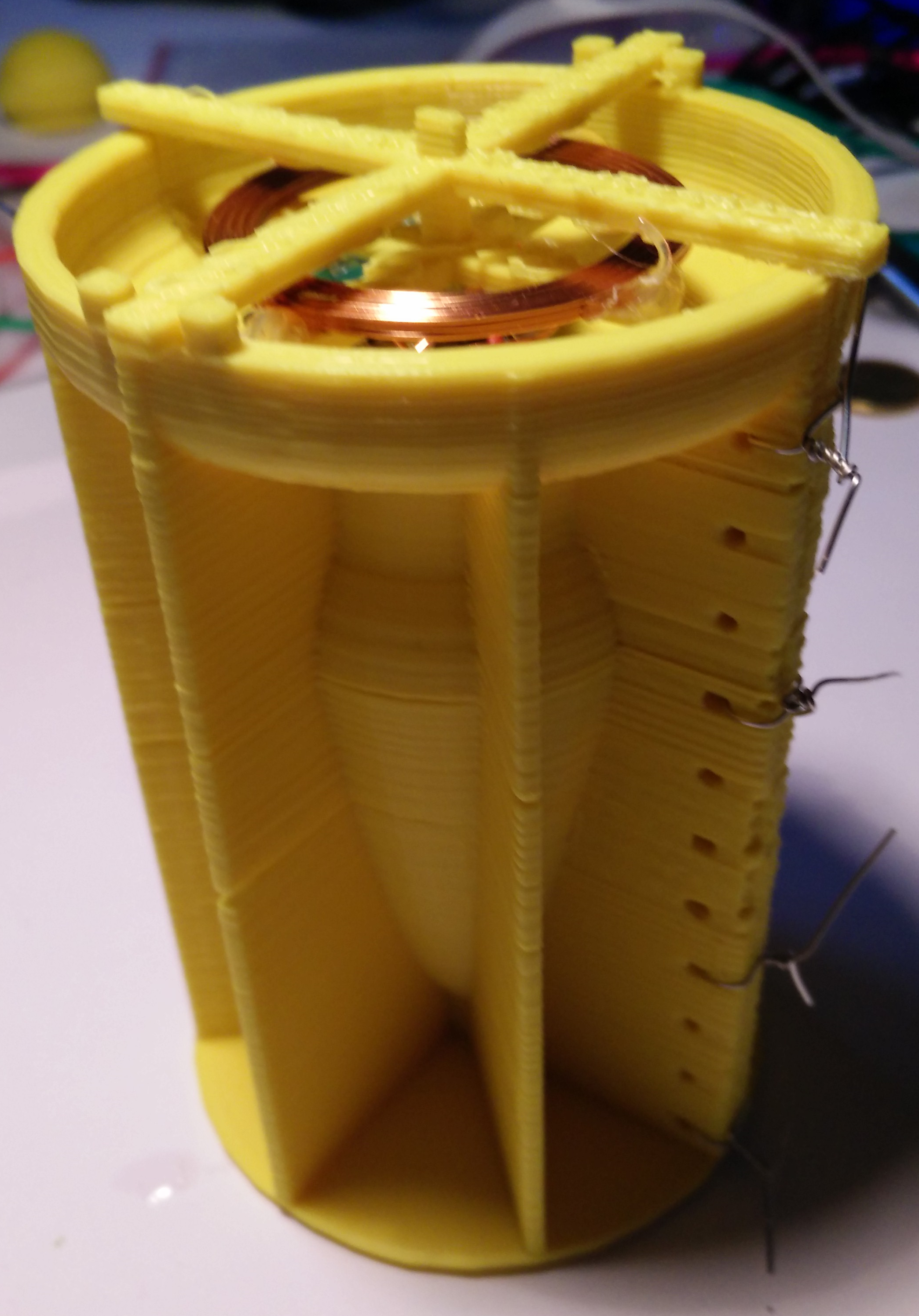
boardandbattery in half-formStep 6: Fix part B (with board, coil etc.) at part A. Be sure that there is enough space between them (min. 5mm).


form and electronics inserted 1form and electronics inserted vogelansichtfilles form from topStep 7: Now attach the second part of part A. Use some tinkering wire. Double check: There must be space between Part A and part B. And there must be space between the coil and the upper edge of form A as the coil must be molded by the silicone.


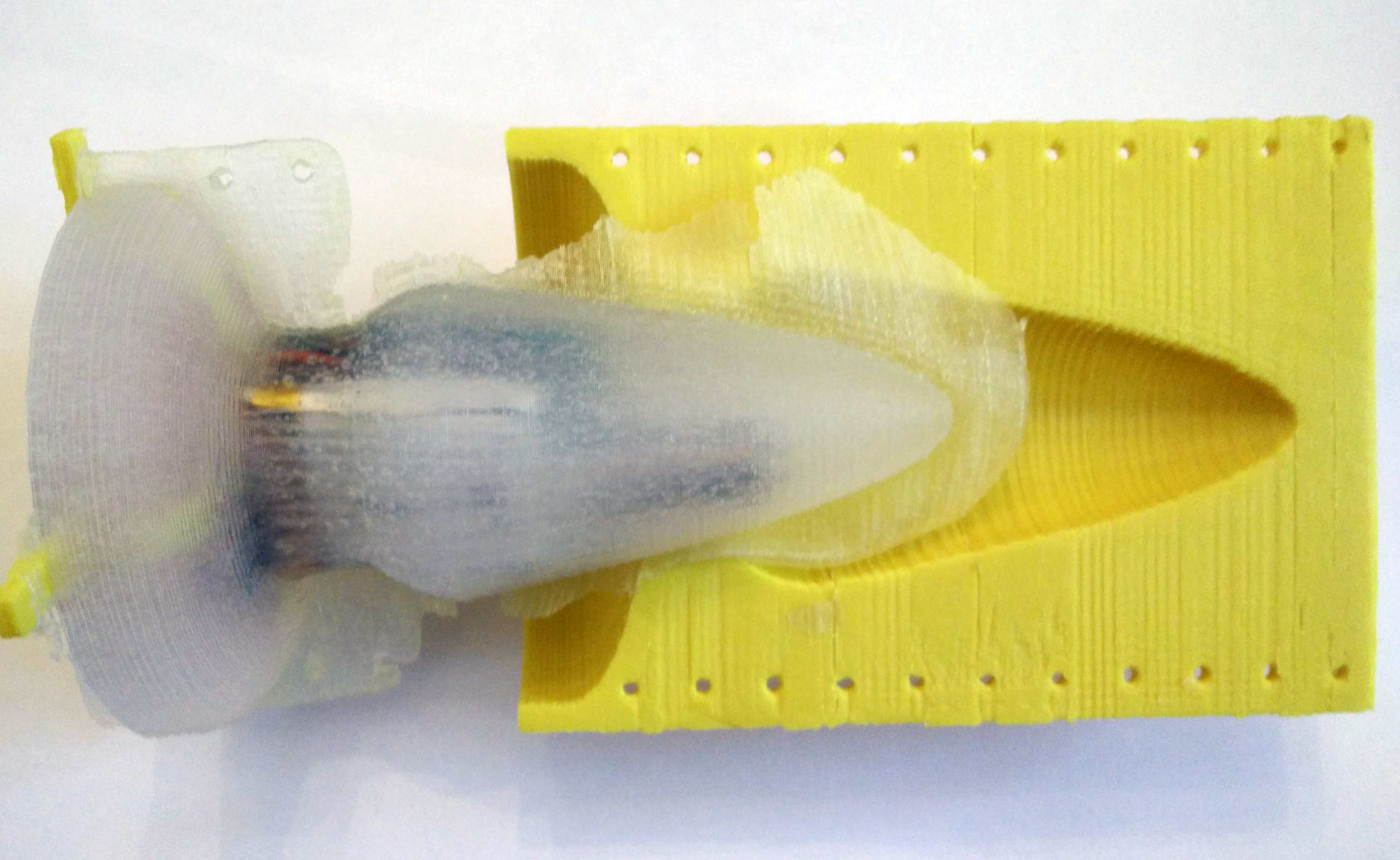
aftermolding wireless formStep 8: Now pour silicone into the form. Use silicone with a high Shore A value. The higher the Shore A value is the higher is the firmness of the silicone form. We have used silicone with Shore A 45. You need about 90 ml silicone.


bigsiliconeready removedStep 9: After the silicone gets hard, remove the tinkering wires and softly remove the form A. Remove overhanging part.


bigsiliconeready crossmeovedStep 10: Now you can remove the outer cross of part B.


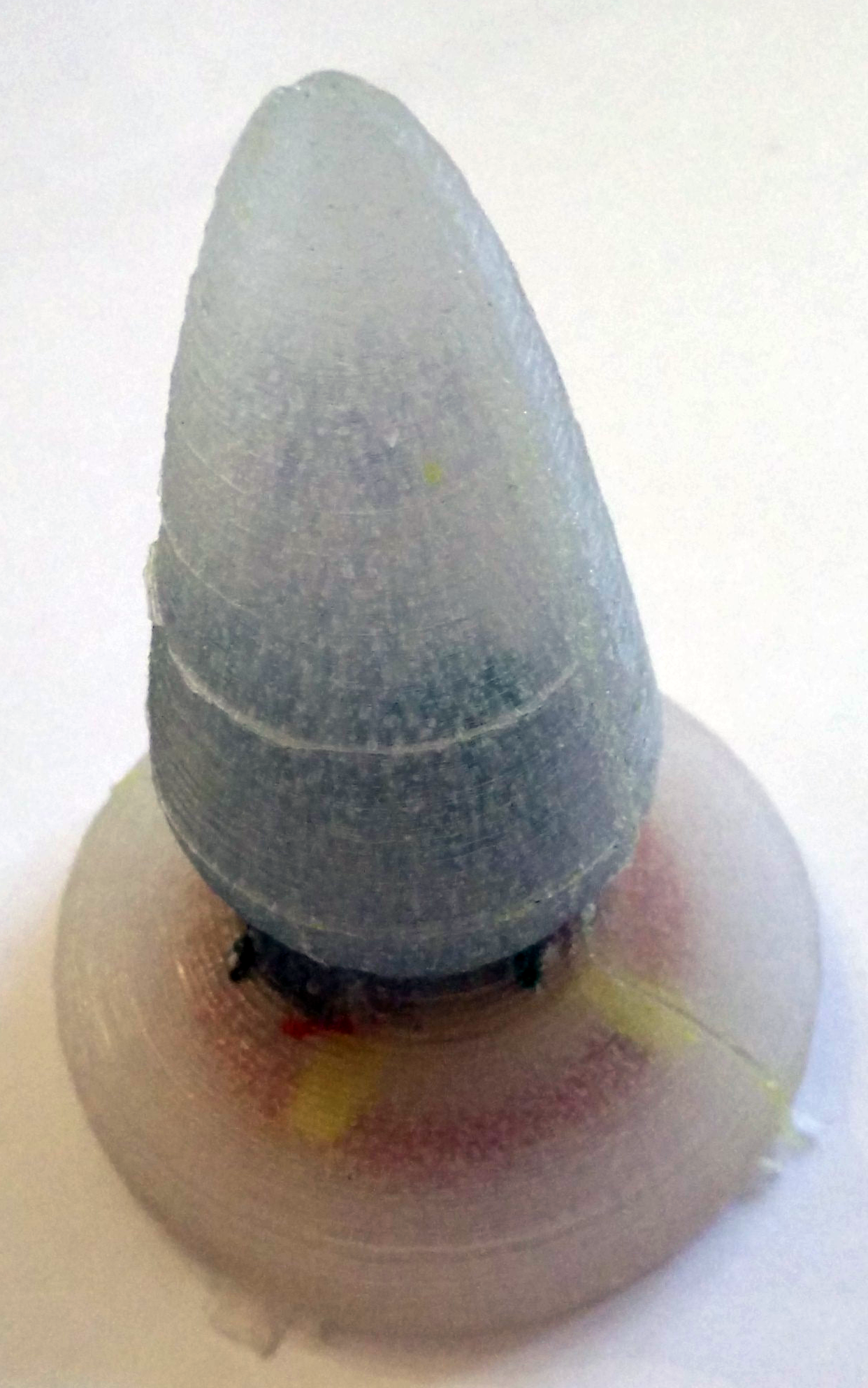
bigsiliconereadyvogel1That’s it. It takes about half an hour (without printing). Before using check carefully that the silicone is solid. Even if you skew the silicone form you should not be able to feel the edges of the vibrator development board. Otherwise there is the danger to get hurt. Use it as a massage toy on your own risk. For charging the batteries place the molded coil over the sender coil. The yellow charging LED should go on.

The next development step is a battery charging station!


Download 3d printing files from Thingiverse

Modify and construct your own with the online 3d modelling software Tinkercad: Form A, Form B


Print your vibrator case, visit our galleries and read the quick start guide

The case for the body interaction vibrator development board are printed with a 3d printer. There are two possibilities.

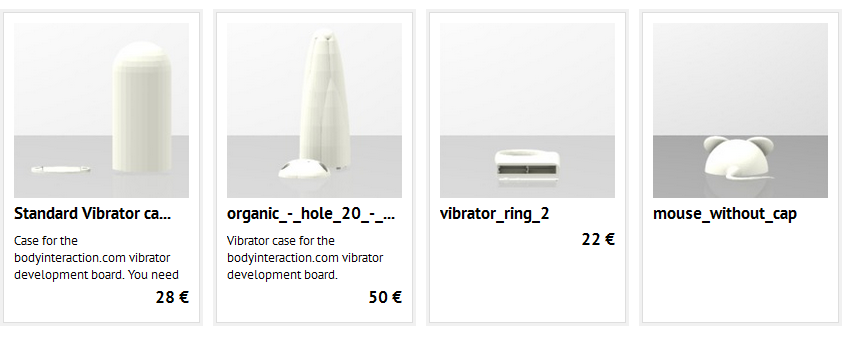
(1) You can use a printing service like Shapeway or Sculpteo. Sculpteo has the advantage that they offer food safe material. This means there are no risk if you apply the case to your skin or even insert the case. Follow this Link to the Public Sculpteo Library. The library offers 3d views, material, color, finishing configuration and price calculation (there are no surcharges for the designer.):
http://www.sculpteo.com/de/embed/gallery/?click=order&designer=south

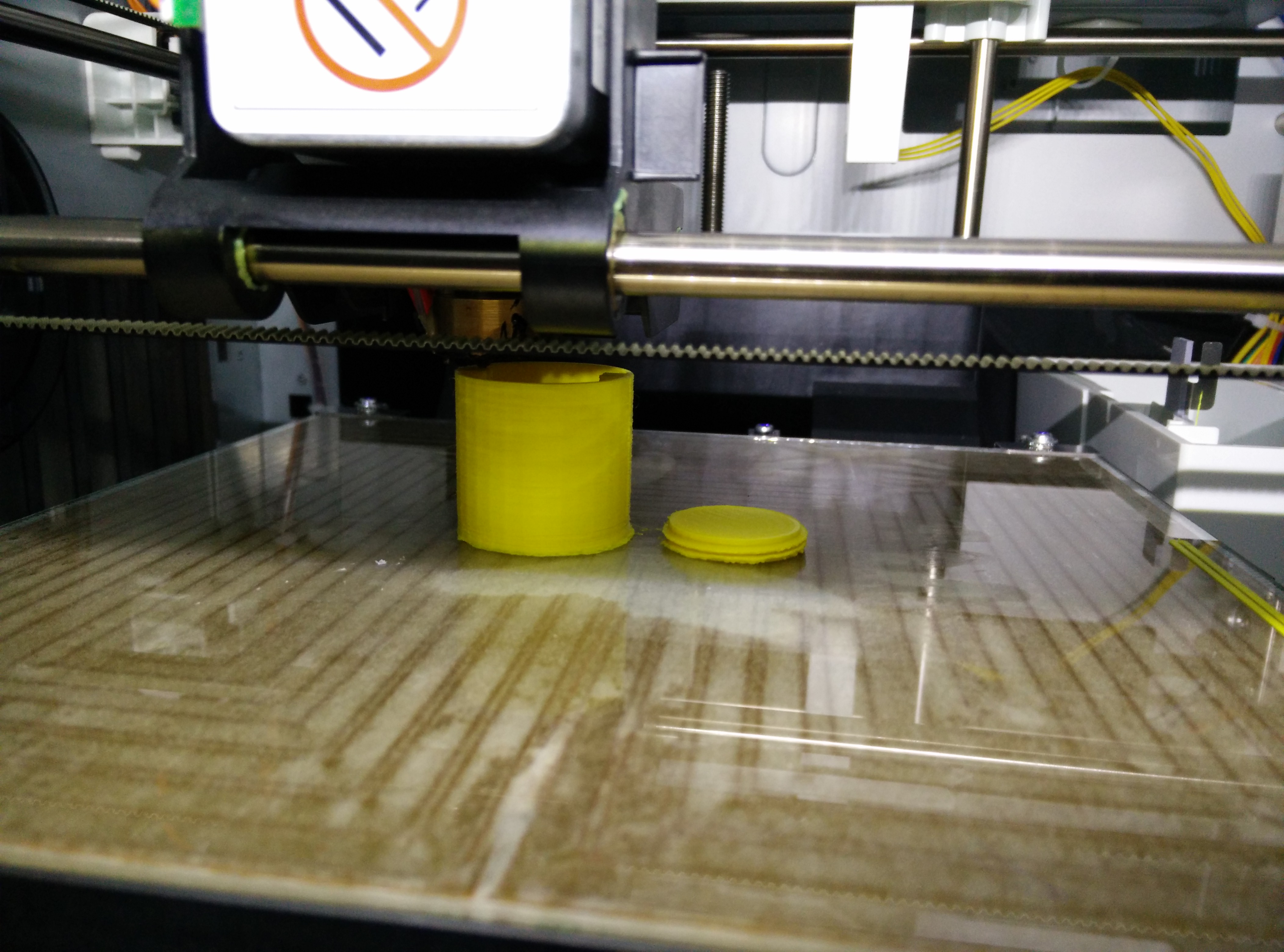
sculpteo library(2) You can print the design on your own 3d printer at home. If you don’t have one you could go to your next Fablab or Hackerspace and ask if you could us the printer. You need a STL file which can be downloaded from http://www.thingiverse.com/south/designs

xyz printerAfter printing the case you can assemble the body interaction vibrator development board. In the blog you will find several videos which explain the assembling. For a quick reference please download our guide: quickstartguide-bodyinteraction1

How-to assemble the vibrator ring case

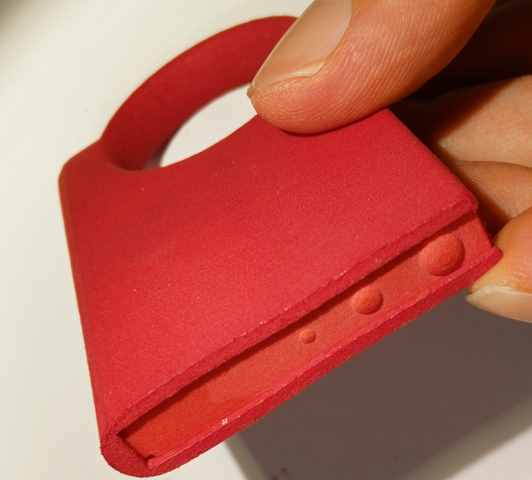
ringredbottom small ring red side small

We have ordered a food safe version of the vibrator ring case from a 3d printing service provider. The case consist of the main body and a kind of cap to close the case.

The design could be improved to have more space for the battery and a more stable cap. The ring diameter is too small for most males, but you can combine the vibrator ring and the “organic” vibrator for her. The combination of these two vibrators gives you a vibration in two dimensions. (The vibration of  a vibration motor is only strong in one direction – you can think of either the x-, y- or z-axis of a coordination system. If you combine two motors you have vibration along two axes of the coordination system, take three you have vibration along all axes).

The video shows how-to assemble your own vibrator ring.

View with YouTube

Improved version! Open with Tinkercad.  Download from Thingiverse.

Assembling the new violet vibrator form

IMG_20150901_211915[2]
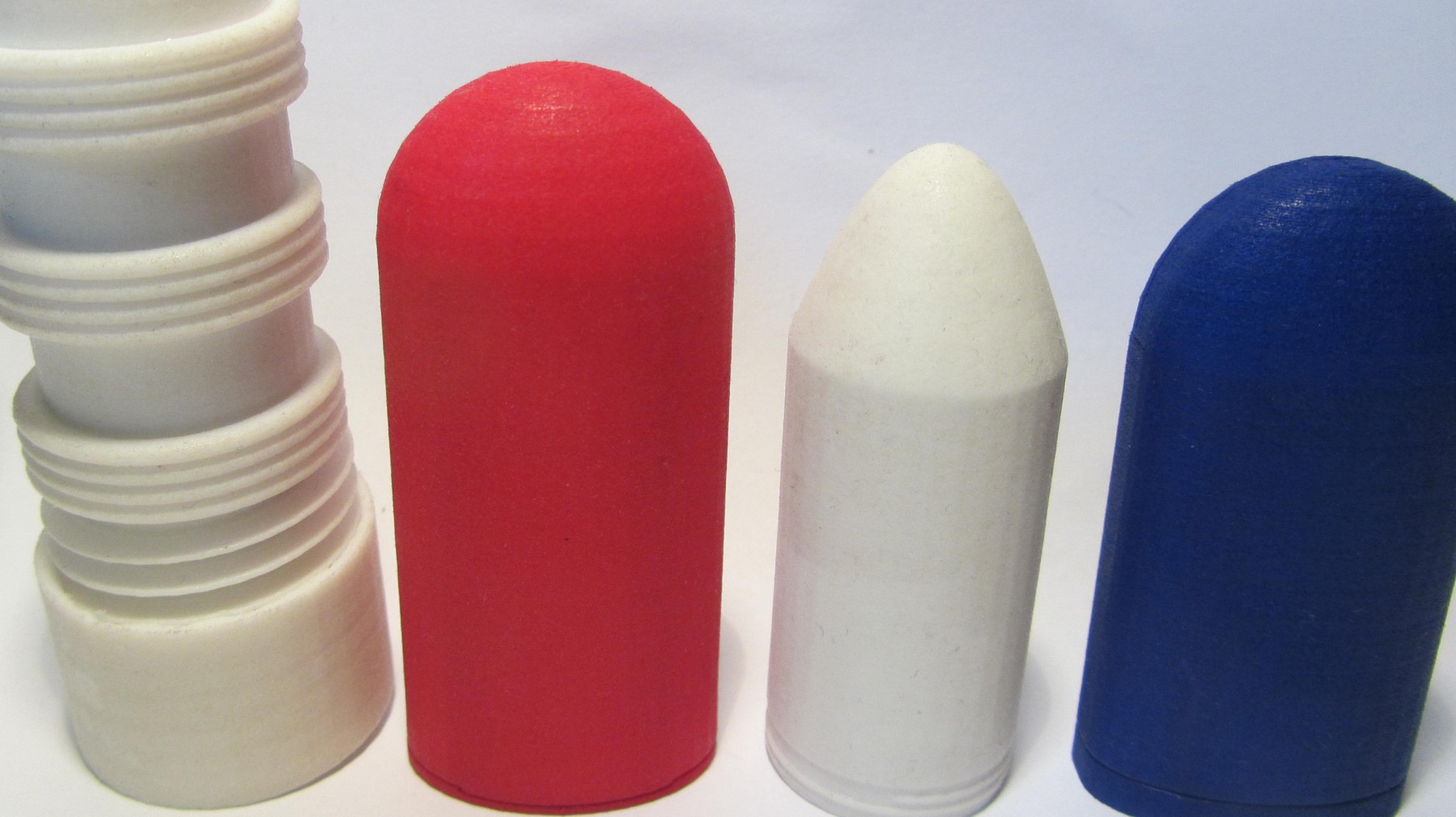
We ordered the organic vibrator form from Sculpteo. They offer material which can be used for food – so it’s very safe.


IMG_20150901_212010[2]All you need for assembly is the body interaction motion controlled vibrator development board and two M3 screws (about 6mm long).
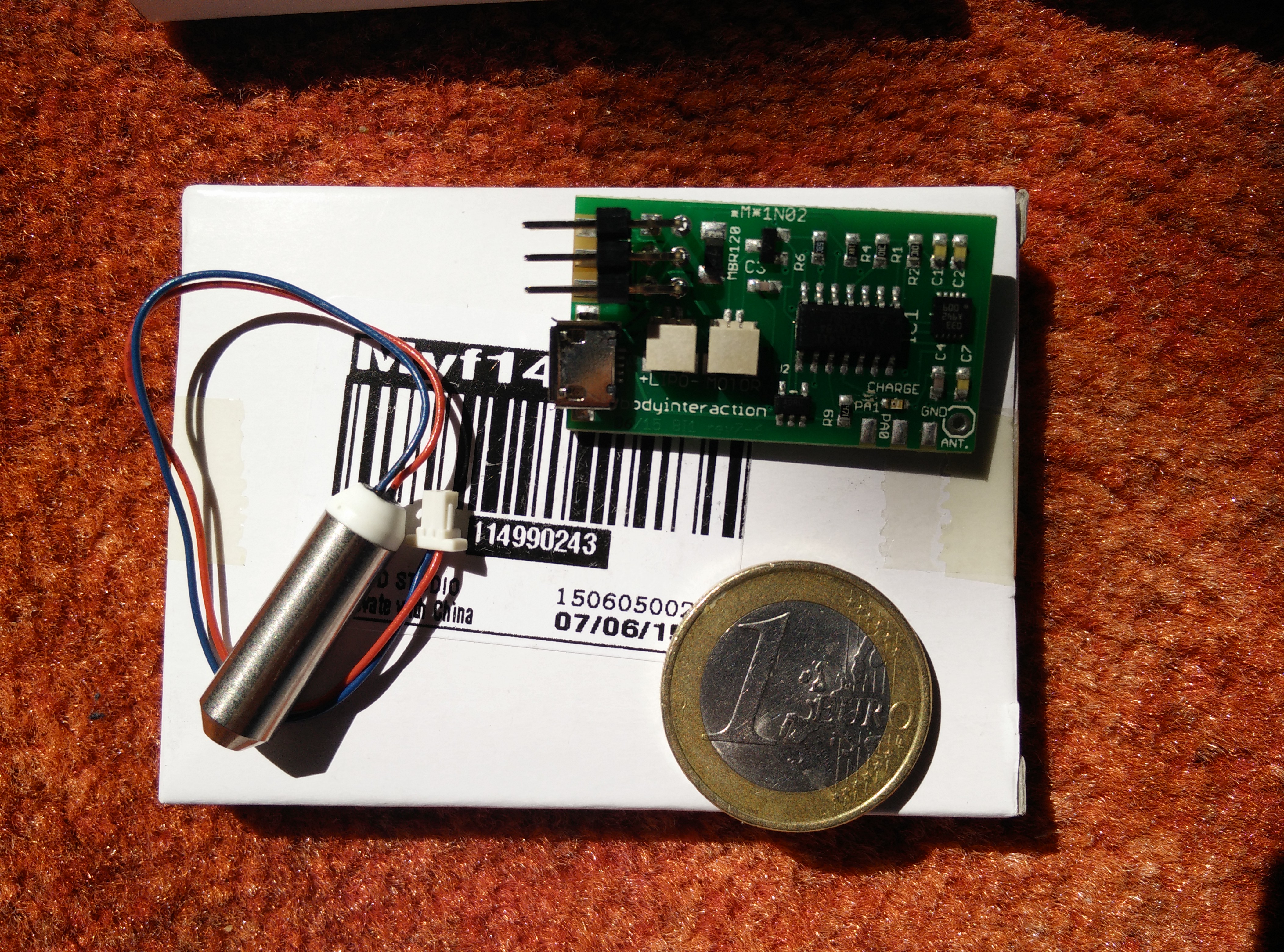
 

Assembled board

boards arrived one box


The video explains how-to assemble the Arduino compatible body interaction vibrator board and the form. Watch in Youtube