Tag: arduino

vibrator development boards arrived

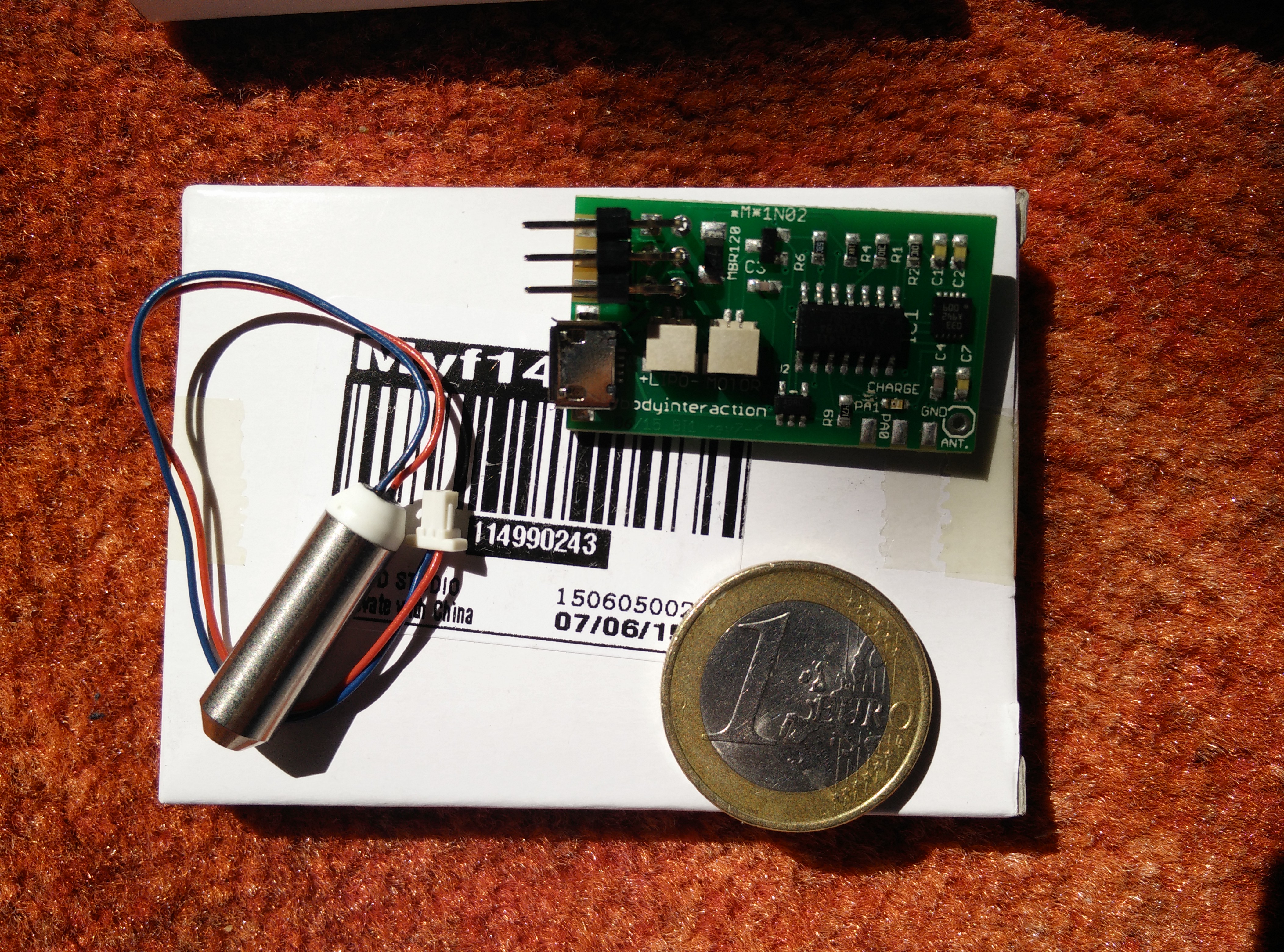
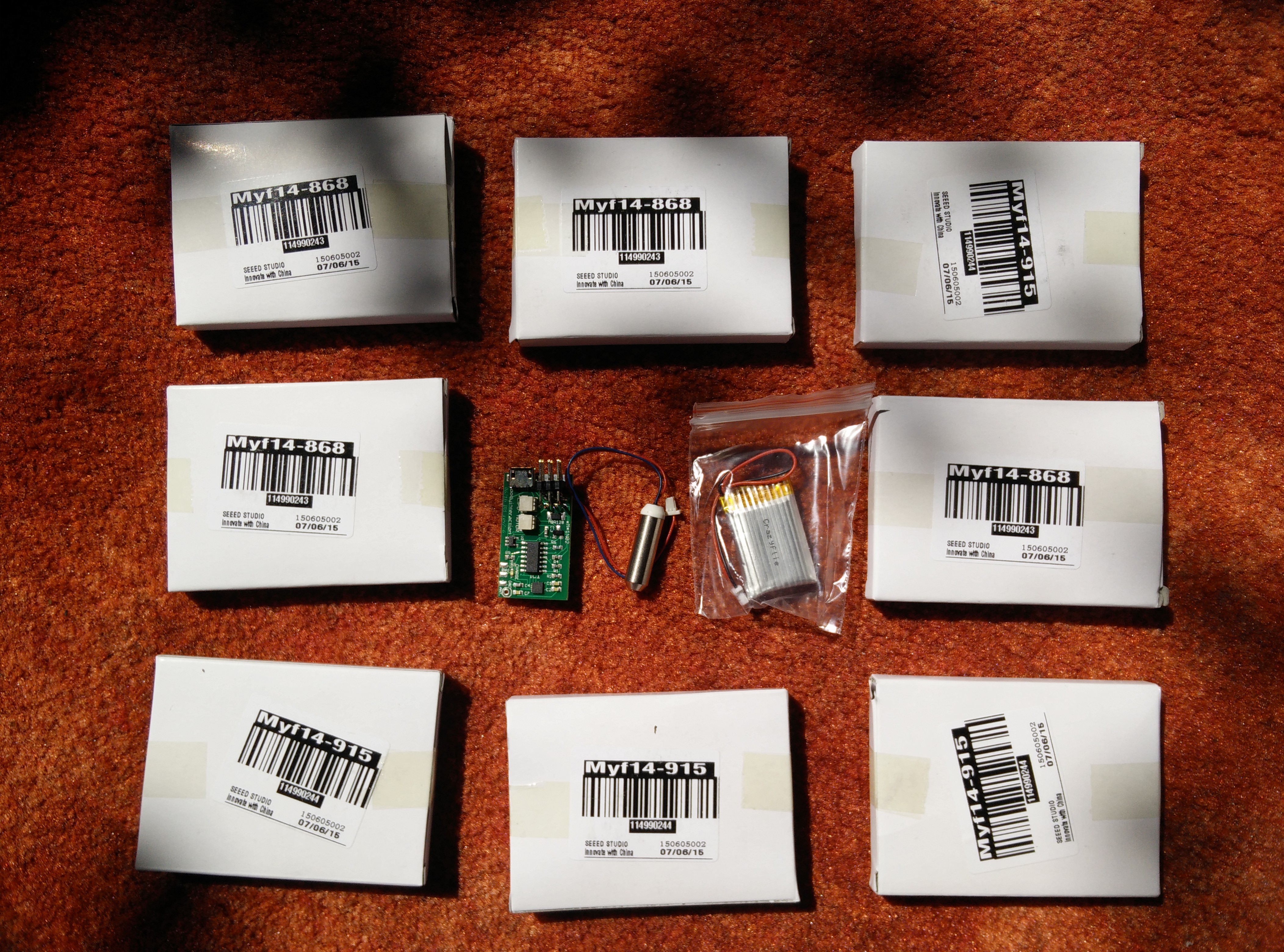
boards arrived one boxWe proudly annouce the arrival of the body interaction vibrator development board. Each board is packed in a small box. In this box is the board, a LiPo battery and the vibration motor. Connect motor and LiPo to the board and it works: The vibration motor changes speed according to your motions.

Thanks to Seeedstudio for this amazing work!


BoardsArrived1

box9x9assemble

Boards are assembled!

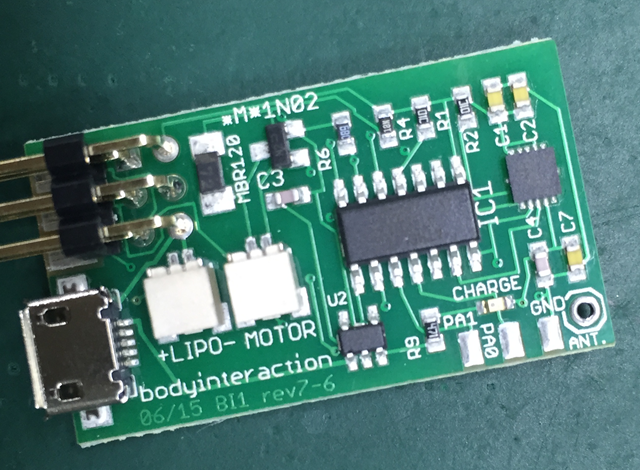
On July, 1 the body interaction vibrator development boards were assembled at Seeedstudio. They helped us a lot in selecting the best parts for the boards. Now all supporters of the Indiegogo crowdfunding campaign will get their perk soon. Thank you for your patience!Assembled board


Interested in developing your own OSHW application based on the body interaction vibrator development board? Send an Email to info@bodyinteraction.com


Visualize and publish sex toy activity – part 2

In the first how-to we explained how-to upload the data of the body interaction vibrator development board to a database.

Now we want to show you how easy it is to visualize the motion data of one or more body interaction boards. And in the last part of the how-to we set up a webserver. So you can share your activity data with other.

BI activity 3+ HTML

Web form for ploting your sex toy data

What could we learn from this data:

  • how often people use sex toys
  • how long is a typical session
  • motion frequency analysis for orgasm detection

There are manifold application areas for this data:

  • compare (and compete) with others
  • quantify yourself
  • learn more about the quality of sex
  • share benefitable sex toy usage pattern

You could also combine the sex toy data with other fitness data and learn how sex eg. influences your health.

That’s the end of the “record and share sex toy data” series. We would like to know what you think about this. Does it make sense? To complex? Should we develop a body interaction “base station” with a web server? Or would you prefer an app for your smartphone?

Figure: Activity of 3 BI boards over time. Each color represents one BI which has a distinct node ID.

Figure: Activity of 3 BI boards over time. Each color represents one BI which has a distinct node ID.

How a program for the body interaction 1 works

The P5_fin script (program) is the basic Arduino script which demonstrates all functions available:

  • The speed of the vibration motor is controlled by movements.
  • Movement data are sent to other body interaction boards.
  • Vibration strength is adjusted when near by body interaction boards have different speed

BI1 interaction pattern

How it works:

The P5_fin script reads data from the accelerometer. Depending of the measured motion the vibration motor is speed up or slowed down. (Slow motion = reduce vibration motor speed, fast motion = speed up).

When the measured motion changes the motion data are sent out and can be received by other BI1. At the same time this script listen to other body interaction boards which send their motion data to all listening nodes.

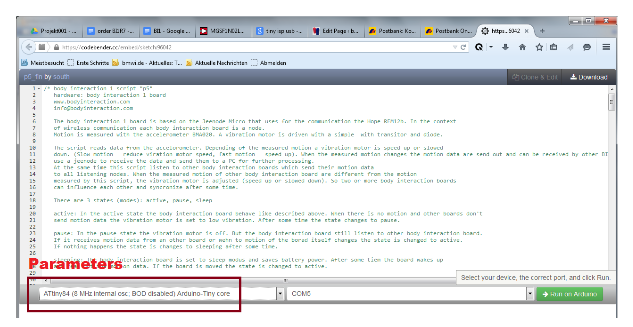
CodebenderWithBI script and parametersWhen the measured motion of other body interaction board are different from the motion measured by this script, the vibration motor is adjusted (speed up or slowed down). So two or more body interaction boards can influence each other and synchronize after some time. The documented script is available in codebender. In this how-to the uploading of the script is explained.


Record and share sex toy activity

John Millward showed in his recent study that there is not much knowledge about sex toy usage. By analysing buying behaviour in UK biggest online store he learned a lot about who is interested in which kind of toy (men/woman, single/attached). But who will use the toy which one has bought for what and for how long is still unknown.

Activity of 3 BI boards over time. Each color represents one BI which has a distinct node ID.

Activity of 3 body interaction (BI) vibration development boards over time. Each color represents one BI.

The body interaction vibrator development board recognizes activity (motion) data and sends the data to other boards or to a server. So it is possible to upload the usage data of one or multiple vibrators to a (internet) database.

What could we learn from this data:

  • how often people use sex toys
  • how long is a typical session
  • usage pattern: on your own or with your partner
  • handling of the vibrator
  • motion frequency analysis for orgasm detection

There are manifold application areas for this data:

  • compare (and compete) with others
  • quantify yourself
  • learn more about the quality of sex
  • share benefitable sex toy usage pattern

You could also combine the sex toy data with other fitness data and learn how sex eg. influences your health.

With the body interaction vibrator development board it is easy to upload the data. In this how-to we explain how it is done. In the next blog post we will explain the presentation of sex toy activity plots in the web.

Molding a silicone case for the BI1 board with a 3d printed form

As alternative to the 3d printed form a flexible form made with silicone could improve the handling of the body interaction board (BI1) for certain applications. The vibration is more comfortable and less noisy compared to other cases. If you want to do it on your own follow this how-to.

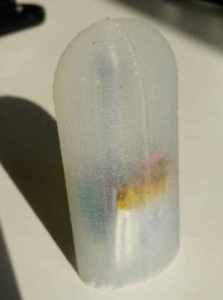
Silicone molded BI1

Silicone molded BI1: vibration motor (top), RF12b (bottom)
IMG_20150228_122647

silicone molded BI1 board – vibration motor (top), LiPo (bottom)


Some adult toys are made of silicone or at least are coated with silicone. Silicone cases are easy to clean.


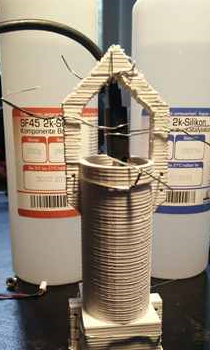
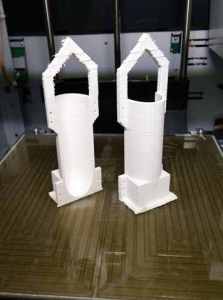
We have constructed a 3D printed form where we will fill in the silicone. The form comes in two parts that have to be fixed to one another by tinkering wire. In addition the board has to be hooked to the form. For this we use a USB connector which is plugged in the USB port of the board. Then the USB connector is fastened to the form.
Form for molding

Form for molding

USB connector holding BI1 board is fastened with tinkering wire

USB connector holding BI1 board is fastened with tinkering wire


Use a silicone which will become solid after moulding. This property of silicone is indicated by the shore A value. Silcone with a low value is flexible. We use silicone with shore A 43.
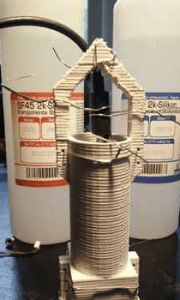
Molding form with USB connector and 2 component silicone shore a 43
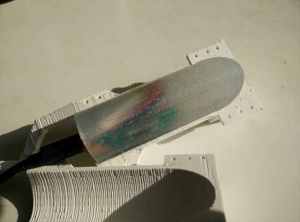
Molding form with USB connector and 2 component silicone shore a 43

molded BI 1 and 3d printed  form

molded BI1 and 3d printed form


Do you want to try it on your own? Follow this how-to and tell us your experience.
ISP header

To upload an Arduino sketch the board must be connected to a computer. Most convenient is a USB connection. For the ATTINY 85 processor a very good solution exist which is based on the  Micronucleus bootloader. Unfortunately there is no implementation for the ATTINY84. Therefore we have to use the ISP connection. This has the advantage that we can use…

vibration makes the mouse moving

  There are more interesting use cases for vibration motors. In this example a 3D printed mouse is equipped with the body interaction pcb board. The vibration makes the mouse moving. The mouse even manages to pass obstacles. On the bottom of the mouse the vibration motor is inserted in a hole. Then the pcb is build in and secured…