
Tag: vibration motor

Programming the body interaction 1 – part 3 – ramps

Ramps

by darkday, CC BY 2.0

“Milf Ramp attack” by darkday, CC BY 2.0

In this tutorial the continuous change of the vibration motor speed is regarded. Typical vibrator pattern are ramps. They start at a given value. Then the motor speed is continuously changed. The values could be increasing or decreasing.

In our example we have two ramps.

  • Increasing ramp: It starts with the minimal motor speed (40). The vibration is slowly increased up to maximal speed (255).
  • Decreasing ramp: It starts with maximal motor speed and decreases very fast until minimal motor speed is reached.


ramps

We will achieve this by using the for statement.

for (int i=minimal_motorspeed; i <=255; i++) {
  analogWrite(motor, i);
  delay(10); // wait for 1/100 second
}

The code after the for statement will be repeated so long a condition remains true.

  • int i =minimal_motorspeed: a new local variable i is introduced and given the value of minimal_motorspeed (40)
  • i <= 255: this is the condition – until the variable is below or equal 255 the code will be executed
  • i++: each time the code is executed the variable i will be increased by 1

The values of i are 40, 41, 42, 43, … , 255. We use the variable i to change the motor speed. The speed of the motor will be changed at each iteration. So the motor speed will be set to 40 (which is the minimal speed), 41, 42, …, 255 using the following statement:

analogWrite(motor, i);

The delay statement changes the pitch of the ramp. If the delay time is high the pitch will be low:

delay(10);


The following code will realize the function visualized above. You can change the pitch by adjusting the delay time.

// www.bodyinteraction.com tutorial ramp
int motor=3;
int minimal_motorspeed=40;
void setup() {
  pinMode(motor, OUTPUT);
}
void loop() {
  for (int i=minimal_motorspeed; i &lt;=255; i++) {
    analogWrite(motor, i);
    delay(10);
  }
  for (int i=255; i &gt; minimal_motorspeed; i--) {
    analogWrite(motor, i);
    delay(2);
  }
  analogWrite(motor, 0); //motor off
  delay(1000);
}

Copy the code to Arduino and try out. In tutorial 2 it is explained how to upload the code to the body interaction 1.

Next tutorial: Classical vibration pattern – the sinus curve

Go back to tutorial acceleration

Danniel Ramirez, CC BY 2.0

Ramp to the beach by Danniel Ramirez, CC BY 2.0

Programming the body interaction 1 (BI) – part 1

Controlling the vibration motor

The vibration motor is an analog device. You can control the vibration on a scale between 0 and 255. If you set the vibration to 0 the motor is off, if you set the vibration to 255 the motor will be at full speed.

Good vibrations Tokyo by Kevin Dooley, CC BY 2.0

Good vibrations Tokyo by Kevin Dooley, CC BY 2.0

The motor is connected to a pin of the controller (“ATtiny84”), the heart of the BI. Every pin has a number and the motor is always connected to pin 3.

on off chartNow we can start with the first script (or program). The script will set the motor to full speed for one second. Then the motor will be off for 1 second. And this will be repeated infinite.


Here is the complete script:

int motor=3;
void setup() {
  pinMode(motor, OUTPUT);
}

void loop() {
  analogWrite(motor, 255); //motor on
  delay(1000);  // wait for 1 second
  analogWrite(motor, 0); //motor off
  delay(1000);
}

Now the script is explained line by line:

int motor=3;

First we declare a variable called “motor” and assign the value 3. The variable is of type int (integer) which is used to store a number. Now we could use “motor” instead of “3” whenever we want to control the vibration motor – this will help us to understand and debug our script.

void setup() {
  …
}

This is function which is part of every Arduino script. It is called setup and well be executed at first and only once.

pinMode(motor, OUTPUT);

Each pin can be in INPUT or OUTPUT mode. In input mode sensor data can read, in output mode a motor or a LED can be controlled. We set the motor pin to OUTPUT.

void loop() {
  …
}

In the function loop we put all the instructions which should be carried out. When all instructions are done the script doesn’t stop but starts again. Therefore the loop will be repeated infinite.

analogWrite(motor, 255);

The motor is set to full speed (255).

delay(1000);

The delay function stops all processing for 1000 milliseconds. 1000 millisecond are 1 second.

analogWrite(motor, 0);

Then motor is set off (0). In the second part of the tutorial uploading of the script to the body interaction 1 is explained.

More:

https://www.arduino.cc/en/Tutorial/Foundations

Read part 2: the accelerometer

Assembling the new violet vibrator form

IMG_20150901_211915[2]
We ordered the organic vibrator form from Sculpteo. They offer material which can be used for food – so it’s very safe.


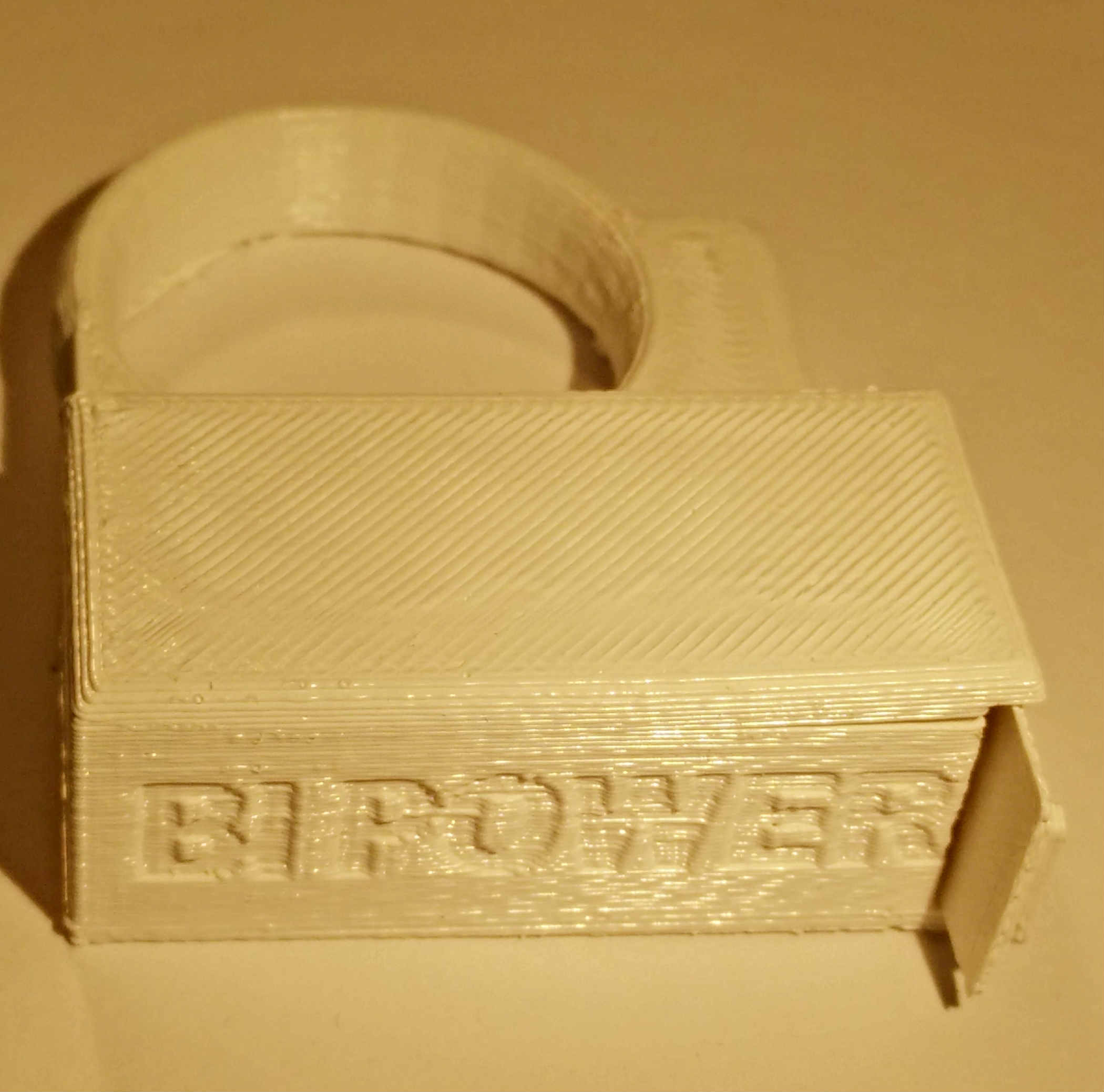
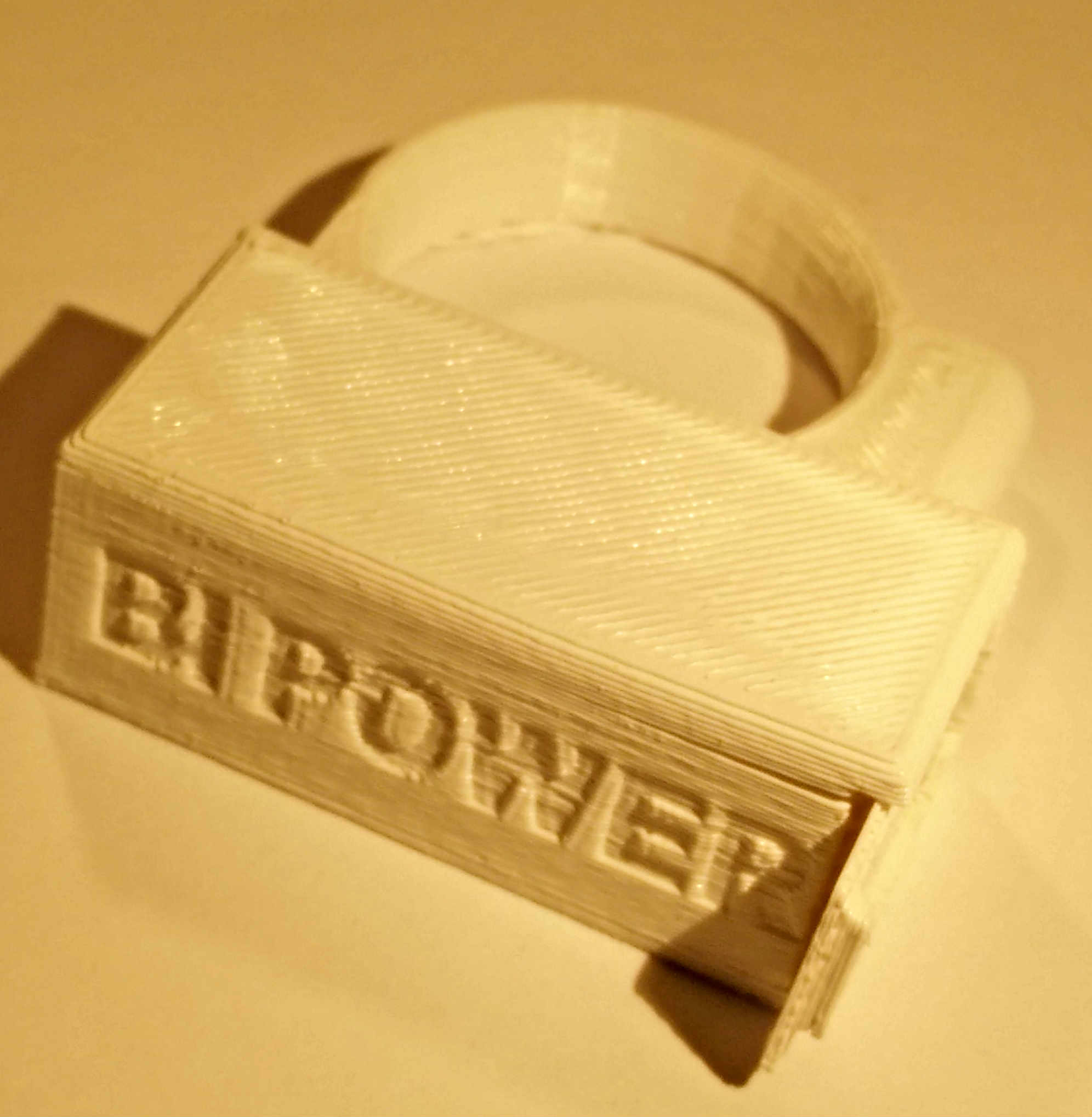
IMG_20150901_212010[2]All you need for assembly is the body interaction motion controlled vibrator development board and two M3 screws (about 6mm long).
 

Assembled board

boards arrived one box


The video explains how-to assemble the Arduino compatible body interaction vibrator board and the form.

Watch in Youtube

Unboxing and assembling of vibrator development board

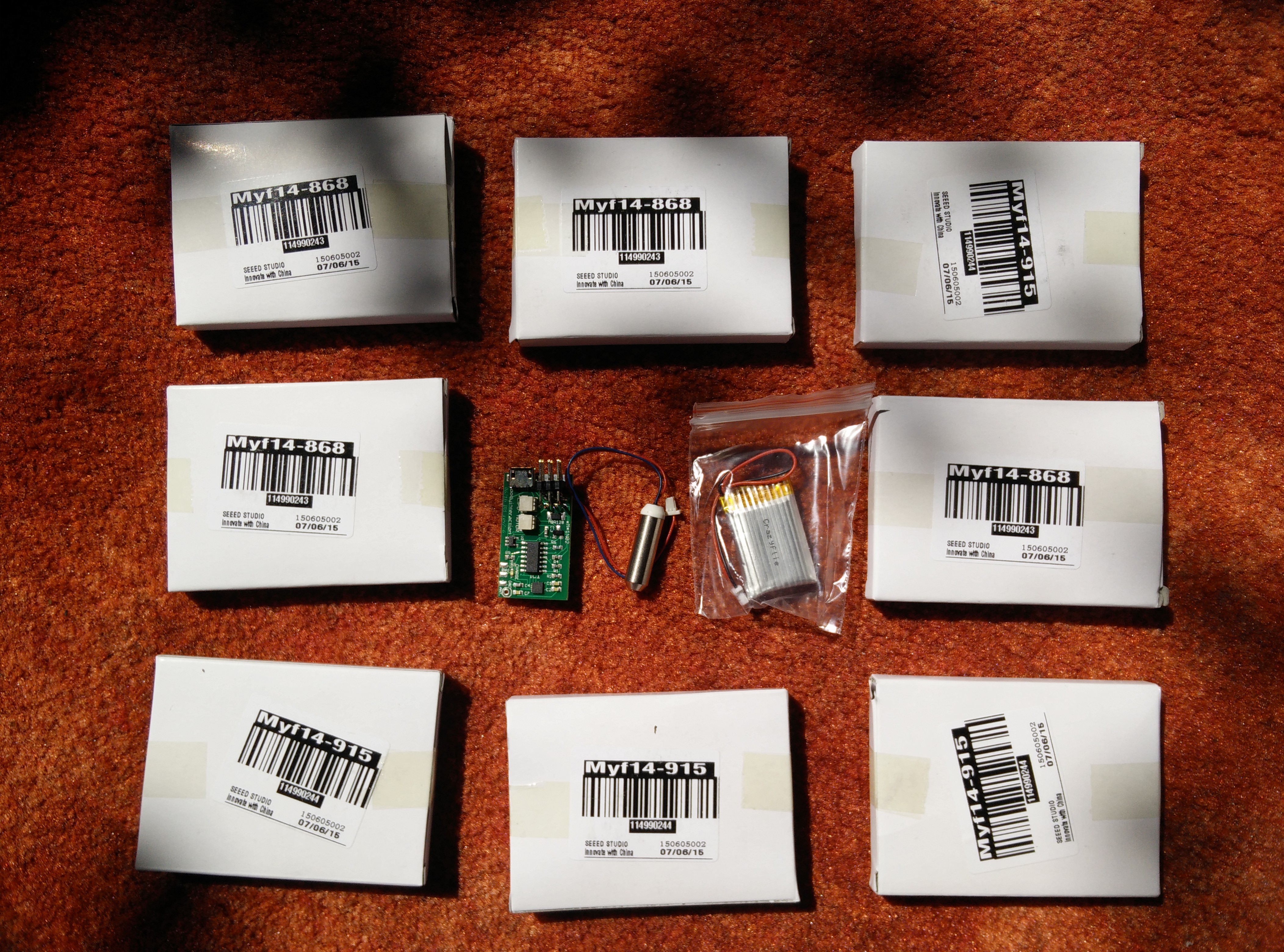
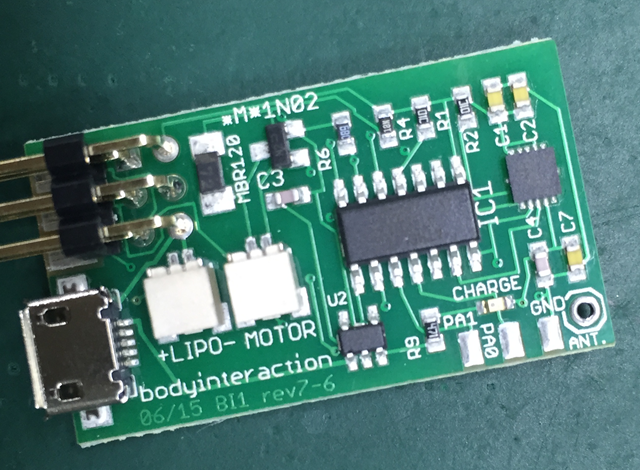
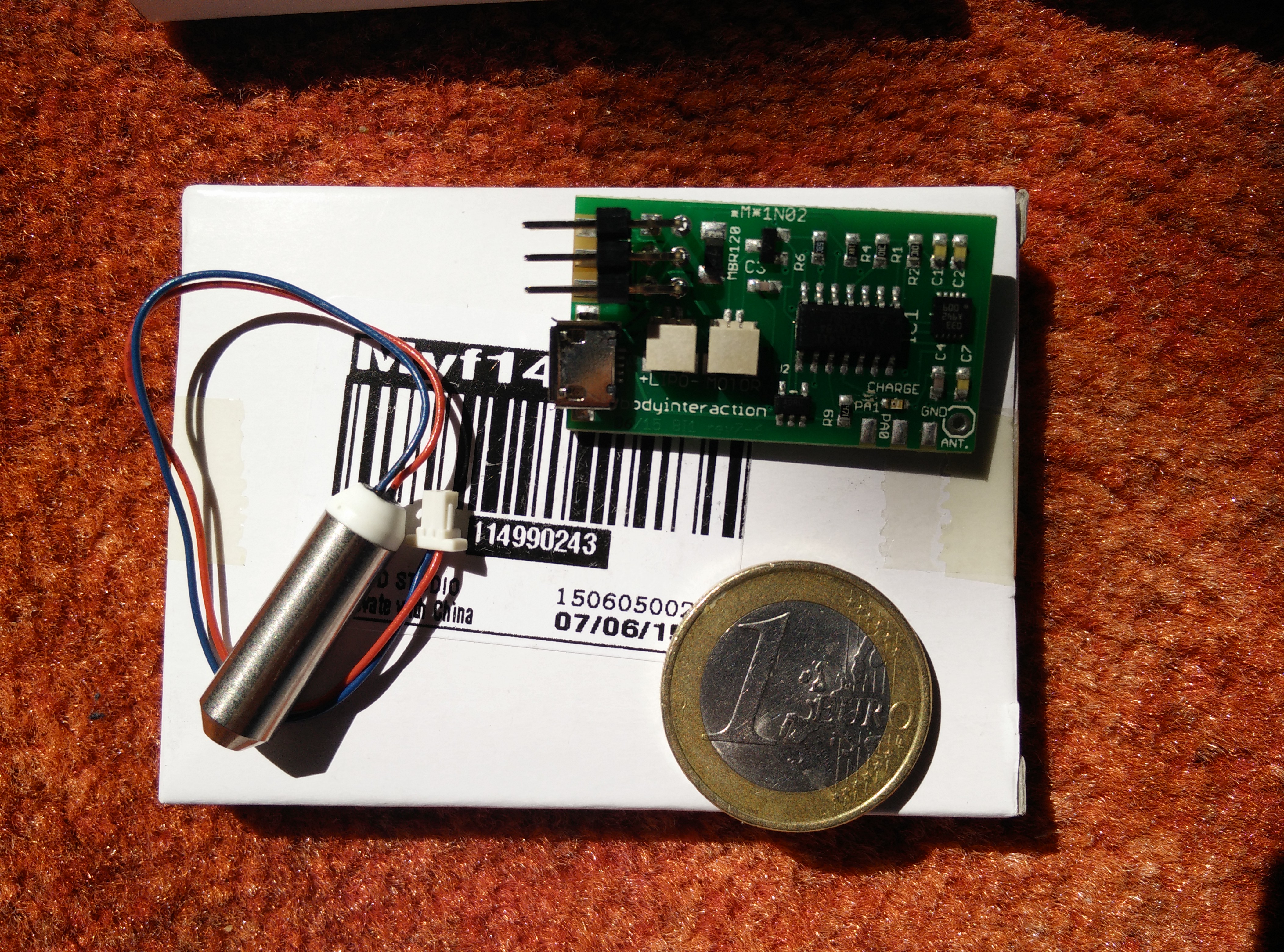
The body interaction development board includes everything to start: the board, the LiPo battery and a vibration motor. Put it together in a few minutes. All you need now is a 3d printed case.

We give away a limited number of body interaction development boards for free. Please send a short description of your project with your email, mail address (and website) to info@bodyinteraction.com. Only available outside the US due to patent trolls.  Please send us a photo or video when the project is finished. Your data are not given to anyone else and will be deleted on request.

Video in Youtube

In the next post we show you how to assemble a 3d printed case and the body interaction development board.

vibrator development boards arrived

boards arrived one boxWe proudly annouce the arrival of the body interaction vibrator development board. Each board is packed in a small box. In this box is the board, a LiPo battery and the vibration motor. Connect motor and LiPo to the board and it works: The vibration motor changes speed according to your motions.

Thanks to Seeedstudio for this amazing work!


BoardsArrived1

box9x9assemble

vibration makes the mouse moving

  There are more interesting use cases for vibration motors. In this example a 3D printed mouse is equipped with the body interaction pcb board. The vibration makes the mouse moving. The mouse even manages to pass obstacles. On the bottom of the mouse the vibration motor is inserted in a hole. Then the pcb is build in and secured…